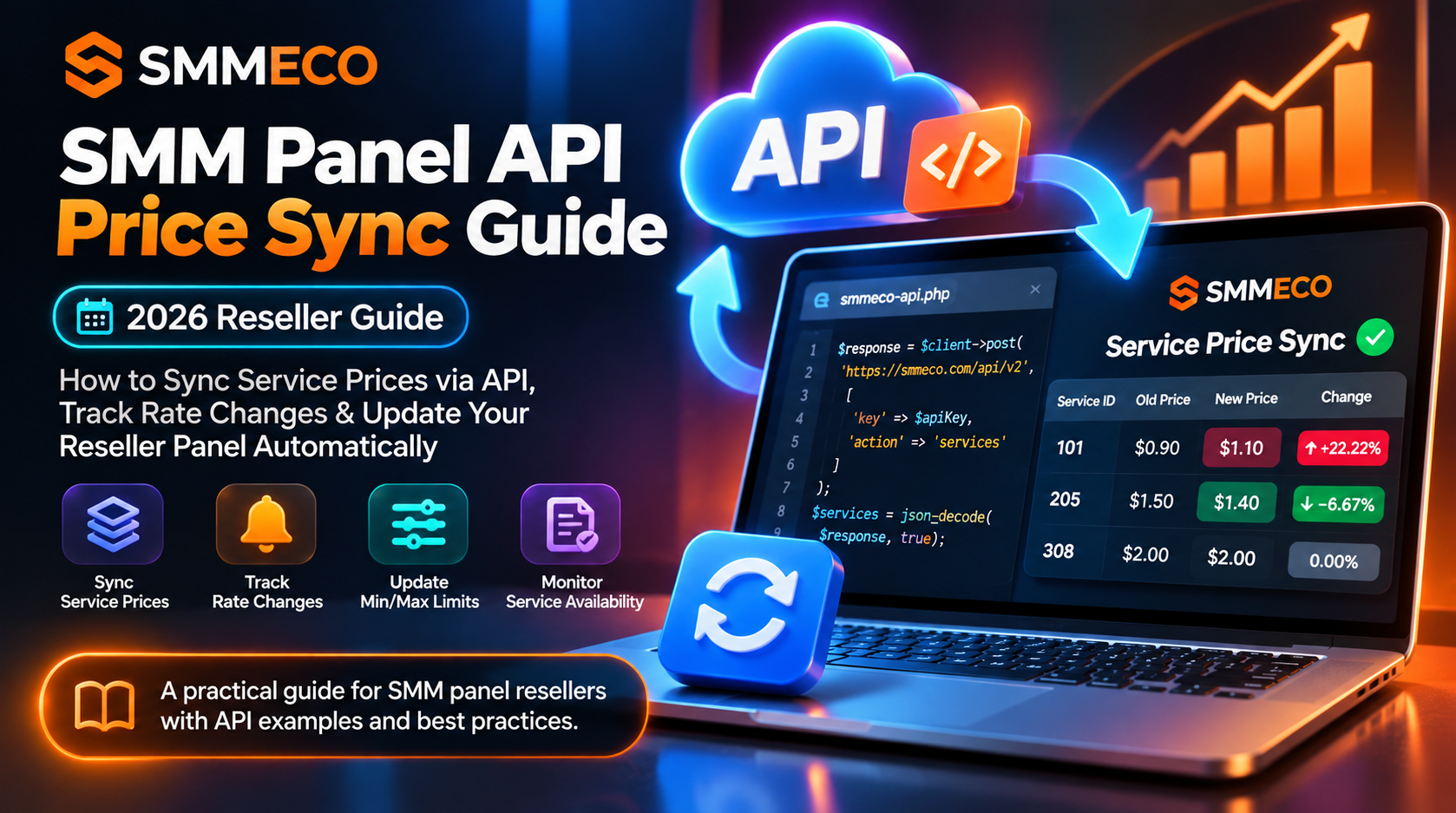
How to Sync SMM Panel Service Prices via API in 2026: A Practical Reseller Guide
Your SMM panel is connected to a supplier, your services are listed, and customers can place orders.
Everything looks fine until the supplier changes a service price.
Yesterday, one service cost $0.90 per 1,000 units. Today, the supplier rate is $1.10. Your reseller panel, however, is still selling it at yesterday's price.
If you process enough orders without noticing the difference, a small pricing mistake can become a recurring business expense.
This is one reason SMM panel API price sync matters for reseller businesses.
A supplier's API may provide current service rates, quantity limits, service identifiers, and other important details. But retrieving that information is only the first step.
Your reseller system must also compare the incoming data with its existing records, identify relevant changes, and decide which updates can be applied safely.
In this guide, we'll explain how SMM panel service price synchronization works, what to check in a supplier's API response, and how to monitor catalog changes using a practical PHP implementation.
We'll use the publicly documented API structure of SMMECO, a global SMM panel serving resellers and customers who need access to compatible service-ordering tools.
What Is SMM Panel API Price Sync?
SMM panel API price sync is the process of retrieving current service rates from an SMM supplier and comparing them with the prices stored in a reseller's own system.
Depending on the integration, the reseller may then update its internal supplier rates, recalculate customer-facing prices, or flag changes for manual approval.
A typical workflow is:
Supplier API → Service Catalog → Compare Previous Data → Detect Changes → Review Pricing → Update Reseller Catalog
This process can also track changes to service availability, minimum quantities, maximum quantities, and supported refill or cancellation options.
However, having access to an API does not mean customer-facing prices are automatically updated.
That behavior depends on the reseller's own software and configuration.
Quick Answer: To synchronize SMM panel prices, retrieve the supplier's current service list through its API, match services using their IDs, compare rates and limits against stored values, and apply only validated updates. Preserve the previous catalog if a request fails or returns invalid data.
Why Resellers Need Automatic Price Monitoring
A reseller panel may import dozens, hundreds, or potentially thousands of service listings from one or more suppliers.
Managing every service manually becomes increasingly difficult as the catalog grows.
A supplier can update its prices for several reasons, including operating costs, service availability, or changes in upstream supply conditions.
A reseller may not receive an individual notification every time a listed rate changes.
This creates several operational risks.
Selling Below the Updated Supplier Cost
A reseller might continue charging customers an outdated price after the supplier increases its rate.
Without a sufficient pricing margin, the reseller can lose money on affected orders.
Displaying Incorrect Minimum Quantities
A supplier may increase the minimum quantity for a specific service.
If the reseller continues accepting smaller orders, those requests may fail at the supplier.
Accepting Unsupported Quantities
A change in the maximum allowed quantity can make previously valid customer requests unacceptable.
Keeping Unavailable Services Active
A service may stop appearing in a supplier's catalog.
The reseller should investigate the reason before continuing to offer the service as though nothing changed.
Incorrect Refill or Cancellation Expectations
Some supplier APIs expose refill and cancellation capability flags.
When those flags change, reseller-facing descriptions and workflows may need to be reviewed.
These are practical reasons to synchronize more than just the rate.
How Does the SMMECO API Provide Service Information?
SMMECO publishes an API reference describing the supported service-list operation.
The documented endpoint is:
https://smmeco.com/api/v2
The API uses HTTP POST requests and returns JSON.
To request the service list, the documented parameters are:
key: Your private API credential.
action: services
The service-list response includes fields such as:
service: Service ID.
name: Service name.
type: Service type.
category: Service category.
rate: Listed service rate.
min: Minimum supported quantity.
max: Maximum supported quantity.
refill: Whether refill support is indicated.
cancel: Whether cancellation support is indicated.
For complete technical details, see the official SMMECO API documentation.
Understanding the SMM Panel API Service List
Consider the following illustrative JSON response, based on the field structure shown in SMMECO's documentation:
[
{
"service": 1,
"name": "Example Service",
"type": "Default",
"category": "Example Category",
"rate": "0.90",
"min": "50",
"max": "10000",
"refill": true,
"cancel": true
}
]
This is an example of API data structure, not a live price quotation or confirmation that the example service currently exists.
For synchronization purposes, four fields are especially important.
Service ID
The Service ID identifies the listing within the supplier's catalog.
A reseller should maintain a persistent mapping between its internal service identifier and the correct supplier's Service ID.
The same numerical ID can refer to unrelated services at different providers.
Therefore, supplier identity and Service ID should be used together when maintaining records.
Rate
The rate field represents the listed supplier price.
Many standard quantity-based SMM services use prices per 1,000 units, but pricing units can depend on the service type.
Package services and other specialized listings should be interpreted according to their actual specifications.
Minimum and Maximum Quantity
The min and max fields describe the supported order quantity range.
Changes to either value can affect which requests a reseller can accept.
Refill and Cancellation Flags
The refill and cancel fields indicate whether those operations are advertised as available.
A positive flag does not mean every order is automatically eligible for a refill or cancellation.
The service's current rules and order conditions still apply.
How to Detect SMM Supplier Price Changes
A reliable price monitor needs at least two versions of the service catalog.
The first version represents the previously retrieved data.
The second represents the latest successful API response.
Your application can then compare equivalent fields for each Service ID.
Example: A Supplier Increases Its Rate
Assume a hypothetical service has these values:
Previous supplier rate: $0.90
Current supplier rate: $1.10
The difference is:
$1.10 − $0.90 = $0.20
The supplier rate increased by approximately 22.22%.
If the reseller's own customer-facing rate has not changed, the profit available to cover other costs has decreased.
Example: A Supplier Changes Its Maximum Quantity
Consider another fictional service.
Previous maximum: 50,000
Current maximum: 10,000
A reseller that still accepts requests for 30,000 units could encounter a supplier rejection.
Monitoring quantity limits helps prevent this mismatch.
Example: A Service Disappears
Suppose Service ID 205 was included in the previous catalog but is missing from the latest response.
This needs investigation.
The service may have been removed, temporarily unavailable, or omitted because of another catalog-related condition.
Do not immediately replace it with another service that has a similar name.
Different listings may have different pricing, restrictions, or processing characteristics.
How to Sync SMM Panel Prices With PHP
PHP is commonly used in reseller websites and SMM panel integrations.
A price-monitoring script can retrieve supplier catalog data, save a previous snapshot, and report differences.
The following example demonstrates the service-list request.